How to Make Your First Deposit on Sovereign Play – GCash, Maya & Bank Transfer
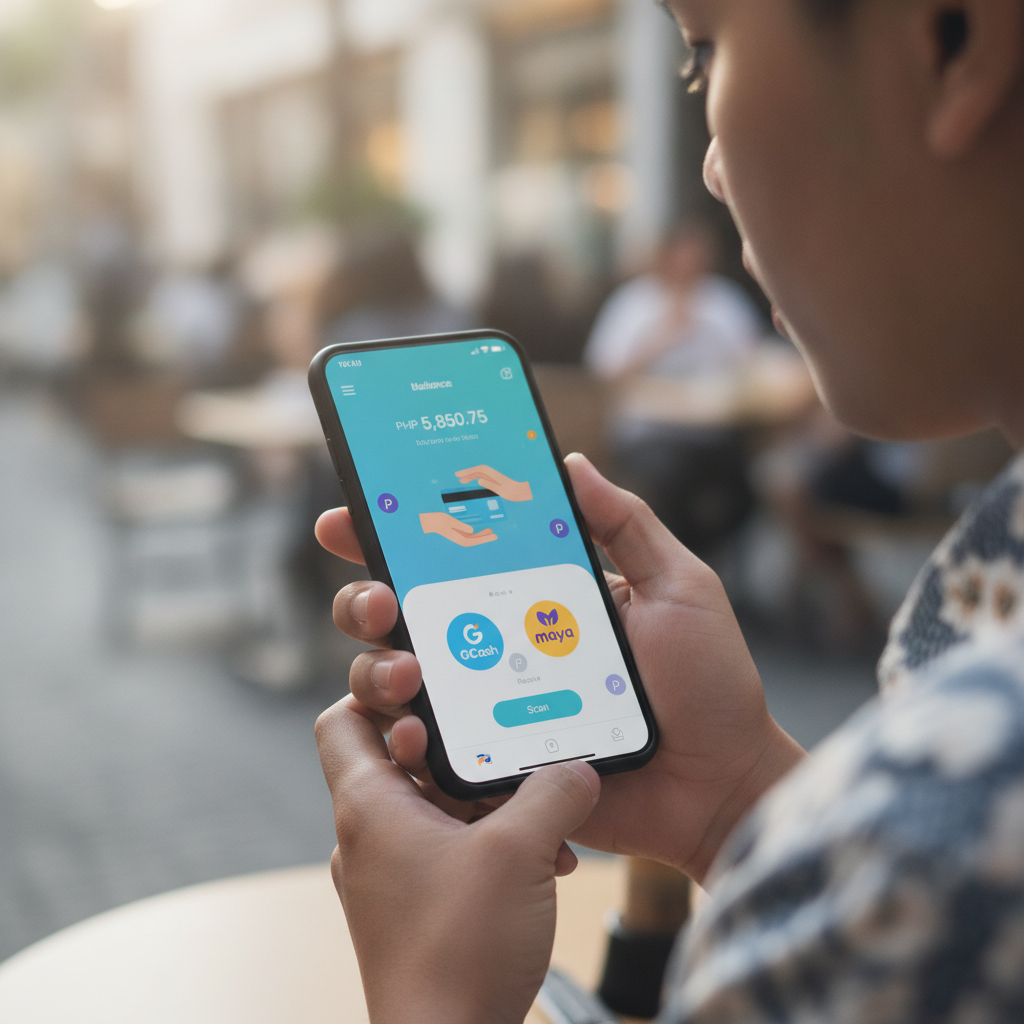
Understanding Sovereign Play's Minimum Deposit Amounts
Before you load funds into your Sovereign Play account, you'll want to know how much the platform expects as a minimum. Most Filipino players find that Sovereign Play sets a minimum deposit of PHP 100, making it accessible even if you're testing the waters for the first time.
This PHP 100 floor applies across GCash, Maya, and bank transfer methods. If you're planning to explore slots, live dealer tables, or place a bet on PBA games, a hundred pesos gives you enough to get started without committing a large sum upfront.
Many first-time users deposit between PHP 100 and PHP 500 during their initial sessions. That range lets you try a few spins on a slot game, join a live baccarat table with modest stakes, or spread small bets across multiple basketball matches. There's no pressure to deposit more than you're comfortable with—Sovereign Play doesn't lock features behind higher deposit tiers for casual players.
Keep in mind that your chosen payment channel may have its own floor. GCash and Maya transactions typically process smoothly at PHP 100, but some banks using InstaPay or PESONet may set a slightly higher minimum for outbound transfers. Always check your bank or e-wallet app before confirming the amount.
Step-by-Step GCash Deposit Walkthrough
GCash is the most popular e-wallet in the Philippines, and Sovereign Play has built a straightforward deposit flow around it. Here's how to move pesos from your GCash balance into your casino account.
1. Log in to your Sovereign Play account
Open the Sovereign Play website on your mobile browser or use the platform's interface if you've already bookmarked it. Tap the login button, enter your registered mobile number or username, and provide your password. If you haven't registered yet, you'll need to complete sign-up and identity verification before making a deposit.
2. Navigate to the deposit or cashier section
Once logged in, look for a button labeled "Deposit," "Cashier," or a peso symbol—usually in the top-right corner or main menu. Tap it to see the list of available payment methods.
3. Select GCash as your payment method
Sovereign Play will display icons or labels for GCash, Maya, and bank transfer options. Tap the GCash option to proceed.
4. Enter the deposit amount
Type the number of pesos you want to deposit. Remember the PHP 100 minimum. If you enter an amount below the floor, the system will prompt you to adjust it.
5. Confirm and redirect to GCash
After entering the amount, tap "Confirm" or "Proceed." Sovereign Play will redirect you to the GCash payment gateway. You may see a loading screen for a second or two—this is normal.
6. Authorize the payment in GCash
The GCash app or web interface will open, showing the transaction details: recipient name (usually a payment processor partnered with Sovereign Play), amount, and a reference number. Review the details, then authenticate using your GCash MPIN or biometric login.
7. Return to Sovereign Play
Once GCash confirms the payment, you'll be redirected back to Sovereign Play. Your account balance should update within seconds. If the pesos don't appear immediately, wait one to two minutes and refresh the page. For any delays beyond five minutes, contact Sovereign Play support with your transaction reference number.
Most GCash deposits on Sovereign Play are instant, landing in your casino wallet in under a minute. The platform doesn't charge a deposit fee, but GCash itself may apply a small convenience fee depending on your account type and transaction size.
How to Deposit Using Maya E-Wallet
Maya (formerly PayMaya) is another widely used e-wallet in the Philippines. The deposit process on Sovereign Play mirrors the GCash flow, with a few small differences in the payment-gateway screen.
1. Log in and open the deposit section
Sign in to your Sovereign Play account, then tap the "Deposit" or "Cashier" button.
2. Choose Maya from the payment-method list
Select the Maya icon. Sovereign Play will display a field for your deposit amount.
3. Enter your deposit amount
Type in the pesos you wish to add—again, at least PHP 100. Double-check the number before moving forward.
4. Proceed to the Maya gateway
Tap "Confirm" or "Next." Sovereign Play will hand off the transaction to Maya's payment portal.
5. Complete authentication in Maya
The Maya interface will show the transaction summary. You'll need to approve the payment using your Maya PIN, password, or biometric authentication. Make sure your Maya wallet has enough balance to cover the deposit; if it's running low, top up your Maya account first through a 7-Eleven counter, bank transfer, or linked debit card.
6. Return to Sovereign Play
After Maya confirms the transaction, you'll be sent back to the casino platform. Your new balance should reflect the deposited amount almost immediately. Maya deposits are typically instant, though network delays can occasionally stretch the wait to a couple of minutes.
Like GCash, Sovereign Play does not impose a fee on Maya deposits, but Maya may charge a small transaction cost depending on your account settings and funding source.
Bank Transfer Options: InstaPay and PESONet Basics
If you prefer to deposit directly from your Philippine bank account, Sovereign Play supports InstaPay and PESONet transfers. These are interbank networks that let you send pesos without needing an e-wallet middleman.
InstaPay
What it is: InstaPay is a real-time, 24/7 bank transfer service in the Philippines. Transactions usually complete in seconds, making it a good fit for players who want their funds available right away.
How to use it on Sovereign Play:
- Log in and go to the deposit section.
- Select "Bank Transfer" or "InstaPay" from the payment-method menu.
- Sovereign Play will display bank-account details—account name, account number, and bank name. Write these down or screenshot them.
- Open your own bank's mobile app or online banking portal.
- Initiate a Send Money or Transfer transaction, choosing InstaPay as the transfer type.
- Enter the recipient account details provided by Sovereign Play, along with your deposit amount (minimum PHP 100).
- Include your Sovereign Play username or account ID in the reference or notes field. This helps the casino match the incoming funds to your account.
- Authorize the transfer with your bank's security method (OTP, password, or biometric).
- Once your bank confirms the transfer, take a screenshot of the receipt and return to Sovereign Play.
- In some cases, you'll need to upload the receipt or enter the transaction reference number in the deposit page. Follow any on-screen prompts.
Processing time: Most InstaPay deposits appear in your Sovereign Play balance within minutes. Because InstaPay operates around the clock, you can deposit on weekends and holidays without delay.
Fees: Your bank may charge an InstaPay fee, typically PHP 10 to PHP 25 per transaction. Sovereign Play itself does not add a deposit fee, but always confirm with your bank's fee schedule.
PESONet
What it is: PESONet is a batch-processing bank network. Transfers are cheaper than InstaPay but slower, usually completing within the same banking day if submitted before the cut-off time (often around 9 or 10 AM).
How to use it on Sovereign Play:
- Log in and navigate to the deposit section.
- Select "Bank Transfer" or "PESONet."
- Note the recipient bank-account details displayed by Sovereign Play.
- Open your bank's app or online portal and choose Send Money or Transfer to Another Bank, selecting PESONet as the method.
- Fill in the recipient account number, account name, and your deposit amount.
- Add your Sovereign Play username or player ID in the remarks or reference field.
- Confirm and authorize the transfer.
- Save the transaction receipt and, if required, upload it to Sovereign Play or send it to customer support.
Processing time: PESONet transfers can take several hours to a full banking day. If you send money after your bank's cut-off, it may not reach Sovereign Play until the next business day. Plan ahead if you want to play immediately.
Fees: PESONet fees are usually lower than InstaPay—often PHP 5 to PHP 15—but check with your bank to be sure. Sovereign Play does not charge extra.
Which bank-transfer method should you choose?
- Pick InstaPay if you want your deposit to land quickly and you're comfortable paying a slightly higher bank fee.
- Pick PESONet if you're depositing in advance (for example, the night before a big PBA game) and want to save a few pesos on fees.
Both methods are secure and widely supported by Philippine banks, including BDO, BPI, Metrobank, UnionBank, and Landbank.
21+ Requirement and Gamble Responsibly Note
Sovereign Play is open only to players aged 21 and above. When you registered your account, you confirmed your age and provided a valid ID during verification. The platform takes this requirement seriously to promote safer gambling in the Philippines.
Before you finalize your first deposit, take a moment to set a personal budget. Decide how much you're comfortable spending on slots, live casino games, or sports bets each week—and stick to that limit. Sovereign Play offers entertainment, not a guaranteed income stream.
If you ever feel that gambling is becoming stressful or difficult to control, reach out to a support organization or use Sovereign Play's account tools to set deposit limits or take a break. Play responsibly, and remember that casino games and sports betting always carry risk.
Ready to fund your account? Choose the payment method that suits your routine—GCash and Maya deliver speed and convenience, while InstaPay and PESONet let you deposit straight from your bank. Whichever option you pick, you'll be spinning slots, joining live tables, or betting on the next PBA match in minutes. Sovereign Play keeps the process simple, so you can focus on the games you enjoy.